Scope & ownership
Choose the first use case, event boundaries and the team responsible for each decision.
 Enquiries
Start with your workflow and the decision you need to make. Define the minimum useful signal set before committing to an implementation.
Plan an integration
The current build works with imported reports. Review data quality and tune visible thresholds before considering a wider integration.
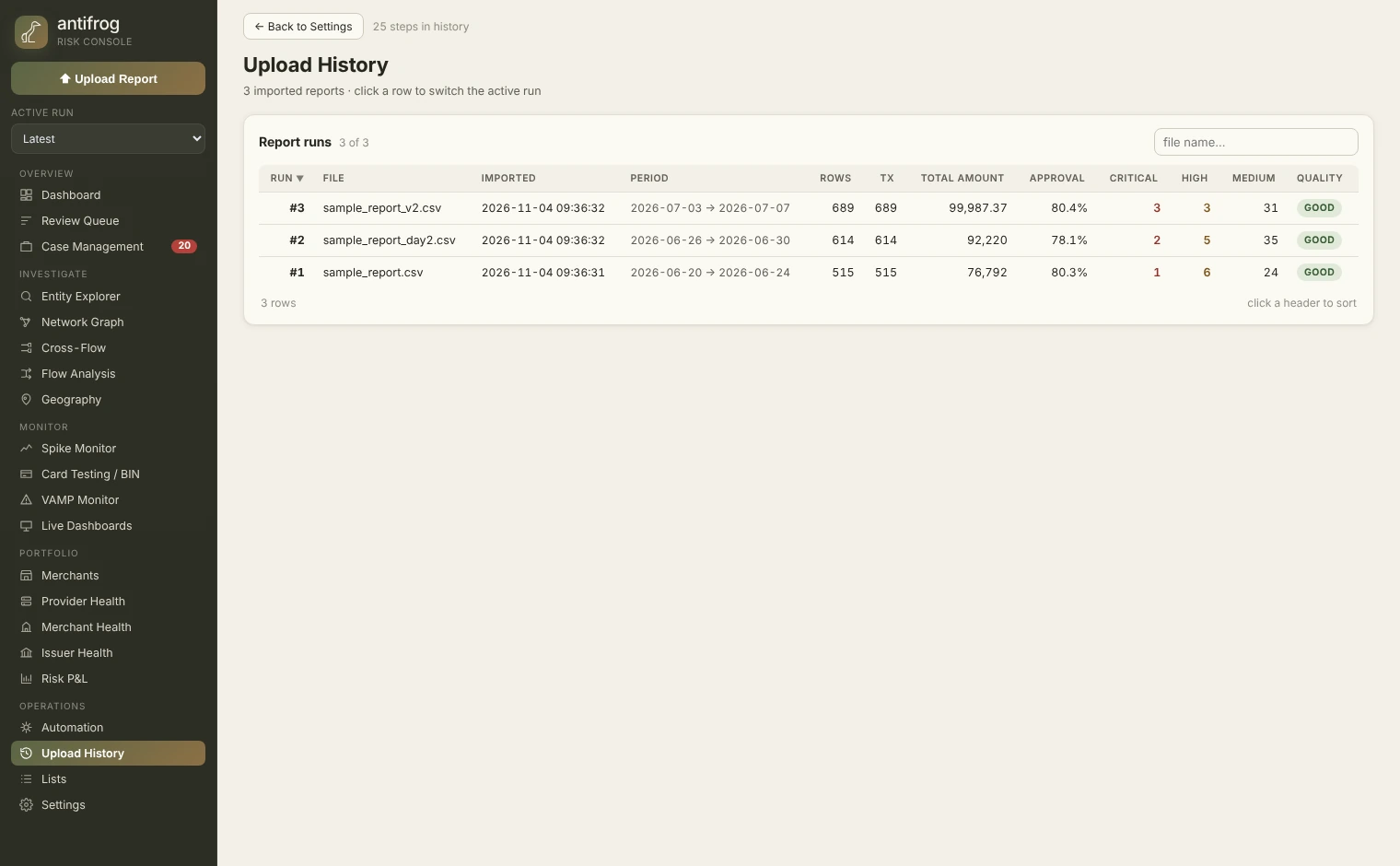
Quality grades, row counts and comparability notes for each import.
Check which reports are suitable for comparison before interpreting a change. Keep import quality and coverage visible alongside the analysis.
Select the image to inspect the interface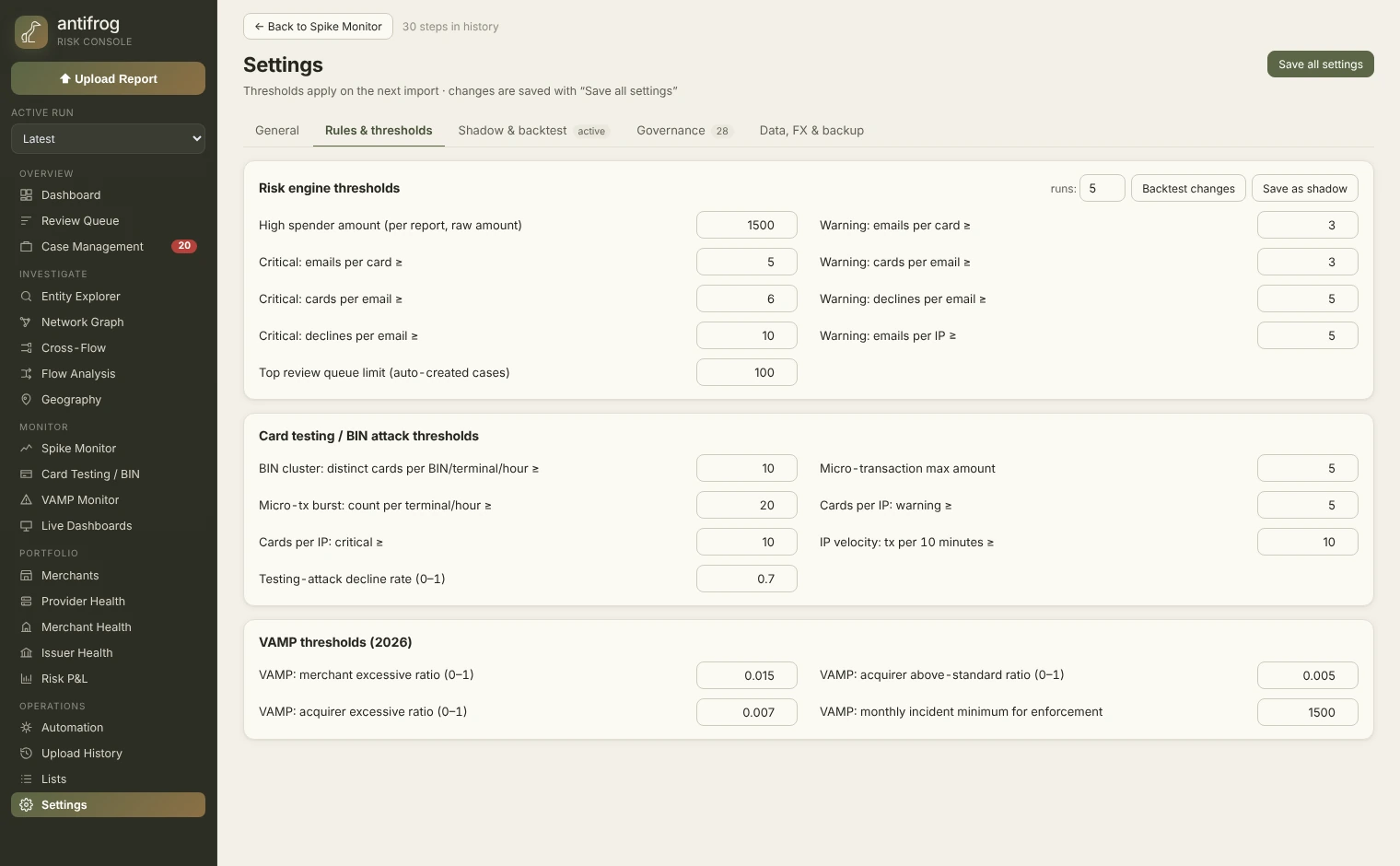
Inspect the rules and thresholds used in the analyst workflow.
Review the thresholds behind risk signals rather than treating a score as a black box. Align the settings with the question your team is investigating.
Select the image to inspect the interfaceFrom the working build · v1.13.0-exp.1 · Synthetic demonstration data
Registration, login,
payment or account change.
Relevant observations,
an agreed decision policy.
Continue the journey,
add a check or review.
This illustrative payload is a discussion aid for pilot scoping. It is not an implemented API contract or a production endpoint.
{
  "event_type": "payment_attempt",
  "account_ref": "customer_demo_01",
  "transaction": {
    "amount": 120,
    "currency": "EUR"
  },
  "context": {
    "device_known": true,
    "recent_attempts": 1
  }
}Choose the first use case, event boundaries and the team responsible for each decision.
Agree which fields are necessary, the applicable permissions, retention and deletion expectations.
Define how your system should respond to timeouts, unavailable decisions and review backlogs.
Begin with an agreed evaluation plan. Validate outcomes before changing a production customer journey.
A public API, SDK and production documentation are not available yet. Integration methods, authentication, rate limits and service targets will be confirmed as the product develops.